Edit Sound Button
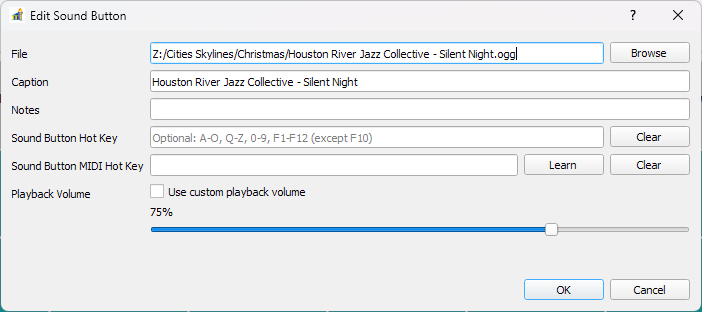
Use the Edit Sound Button dialog to control metadata and behavior for a single slot.
What You Can Edit
Title and notes.
Media assignment or replacement.
Visual markers and per-button options.
Cue settings and playback-related fields.
Cue Point Editing
You can set per-button cue ranges to control start and stop positions.
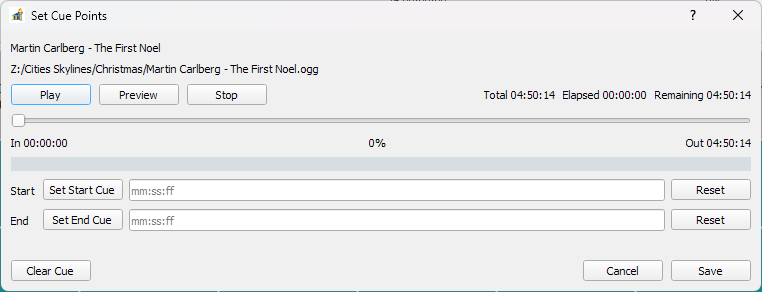
Tip: verify cue ranges after replacing audio files, especially if duration changed.