Main Window

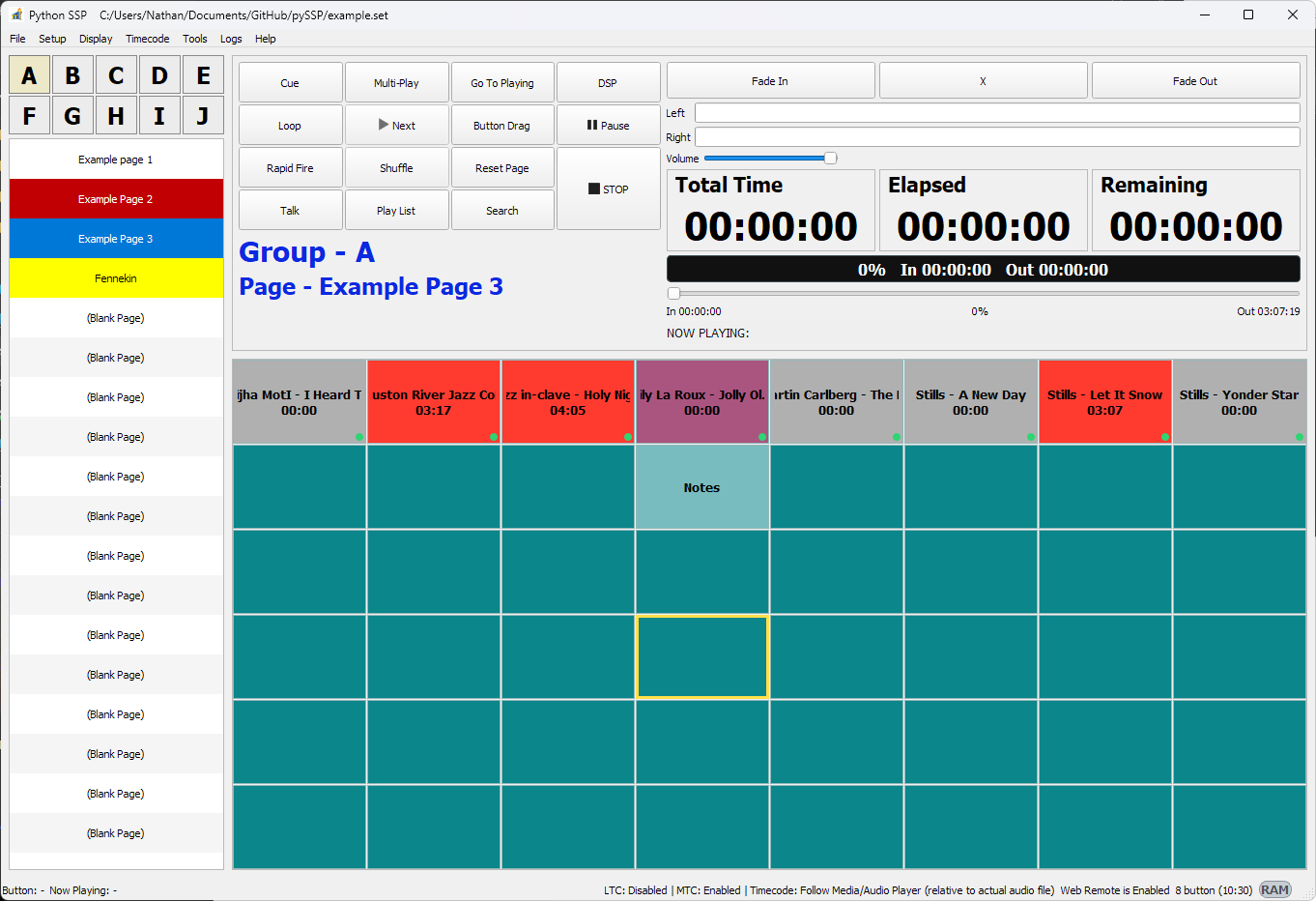
The main window is the primary workspace for loading a set and triggering sounds.
Main Window

Main Areas

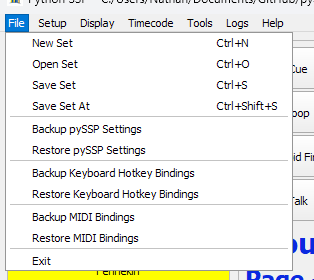
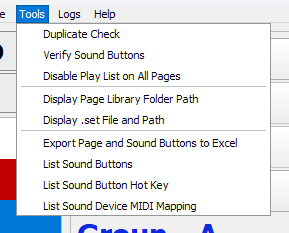
  • Menu bar: File, Setup, Display, Timecode, Tools, Logs, Help.

  • Group buttons: A to J.

  • Page list/controls: page selection for the active group.

  • Sound grid: 48 sound buttons per page.

  • Transport and mode controls: playback and behavior buttons.

  • Fade and level controls: fade modes, volume, and seek.

  • Lock screen control: lock/unlock status and automation lock visibility.

Main Control Buttons

Button

Runtime behavior

Cue

Toggles Cue mode. In Cue mode, page list switches to Cue page view. Right-click menu provides Clear Cue.

Multi-Play

Allows multiple active players. When enabled, it disables Play List/Shuffle and forces crossfade (X) off. Max count behavior follows Playback settings.

DSP

Opens DSP window and applies DSP config to active players.

Go To Playing

Navigates to the group/page of currently playing slot. If nothing is playing, shows notice.

Loop

Toggles loop-enabled state used by playlist/next behavior. Loop semantics follow Playback setting (Loop List/Loop Single).

Next

Triggers next candidate by current selection rules; enabled only while playback is active and a next candidate exists.

Button Drag

Enables button drag/move mode. While enabled, clicking sound buttons does not play audio. Disabled automatically during playback.

Pause

Toggles pause/resume. In Multi-Play it pauses/resumes all active players. Label switches between Pause and Resume.

Rapid Fire

Picks random candidate by Playback rule (unplayed_only or any_available) and plays it.

Shuffle

Toggles per-page shuffle. Only valid when playlist is enabled; otherwise forced off.

Reset Page

Prompts for confirmation, stops playback, clears played state for current page slots.

STOP

Stops playback. If fade-on-stop is active, first click starts fade-out and second click force-stops immediately.

Talk

Enables talk volume mode logic; applies fade-based volume transition and optional blink/highlight.

Play List

Enables/disables per-page playlist mode. Turning off also turns off shuffle for that page.

Search

Opens search dialog with configured double-click behavior (find or play+highlight).

Fade Buttons

Button

Runtime behavior

Fade In

Enables fade-in mode for playback starts and resume fade behavior.

X

Enables crossfade mode. Mutually exclusive with Fade In and Fade Out. Disabled automatically by some mode changes (for example when enabling Multi-Play).

Fade Out

Enables fade-out mode for stop/switch and fade-on-stop behavior.

Transport Display Modes

The main transport display supports:

  • Progress bar mode

  • Waveform mode

Text overlay on the transport display can be enabled or disabled in Settings.

Waveform mode example:
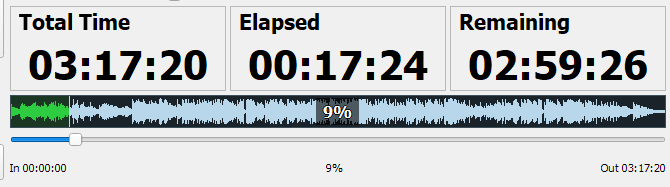
Main Transport Waveform

Seek, Timeline, and Jog

  • Seek slider controls transport display position and seeks active player position.

  • Time labels:

    • Total Time

    • Elapsed

    • Remaining

  • Jog metadata row shows:

    • In cue boundary

    • % position

    • Out cue boundary

  • Timeline reference mode:

    • Relative to Cue Set Points

    • Relative to Actual Audio File

  • In Audio-file timeline mode, out-of-cue jog behavior follows Playback setting:

    • stop immediately / ignore cue / play to next cue or stop / play to stop cue or end

Now Playing and Lyric Area

  • NOW PLAYING text source follows General setting:

    • caption / filename / filepath / notes / caption+notes.

  • LYRIC row behavior follows Lyric settings:

    • always visible / visible only when lyric exists / always hidden.

  • Lyric Navigator opens lyric timeline navigator window for seek-to-line operations.

  • Blank Lyric toggles forced lyric blanking in lyric outputs.

Lock Behavior on Main UI

  • Lock can be engaged locally or via Web Remote automation lock.

  • While locked, allowed input is filtered by lock settings:

    • system hotkeys

    • quick action hotkeys

    • sound-button hotkeys

    • MIDI control

  • In automation lock:

    • keyboard input is restricted more aggressively.

    • Web Remote/API control remains active.

Standard lock example:
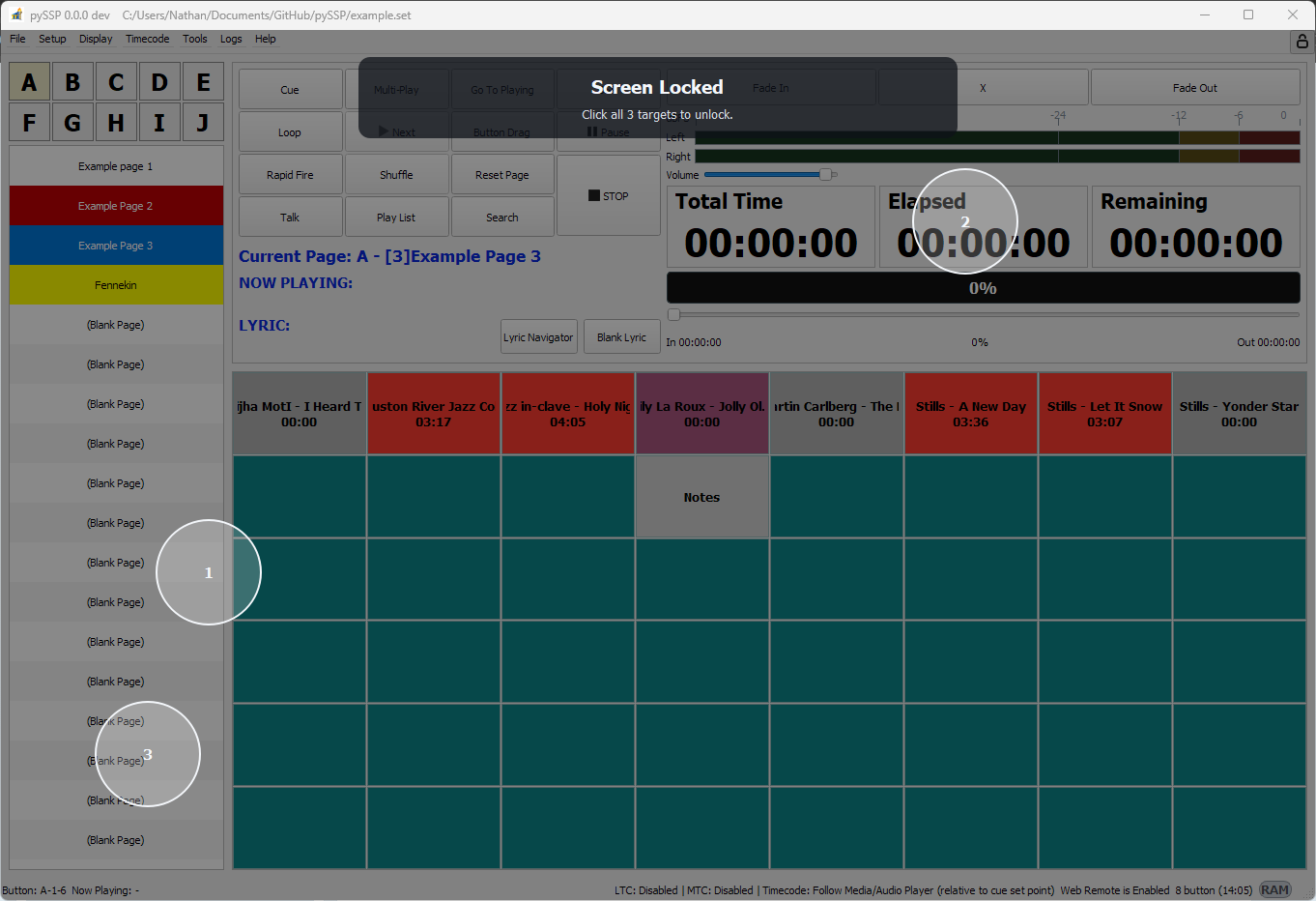
Main Lock Overlay

Automation lock example:

Main Automation Lock Overlay